Gaming PC vs workstation: which do you actually need?
They look similar on a spec sheet — both have a strong CPU, a serious GPU and plenty of RAM — but a gaming PC and a workstation are tuned for genuinely different loads. Buying the wrong one means either overpaying or bottlenecking the work you actually do.
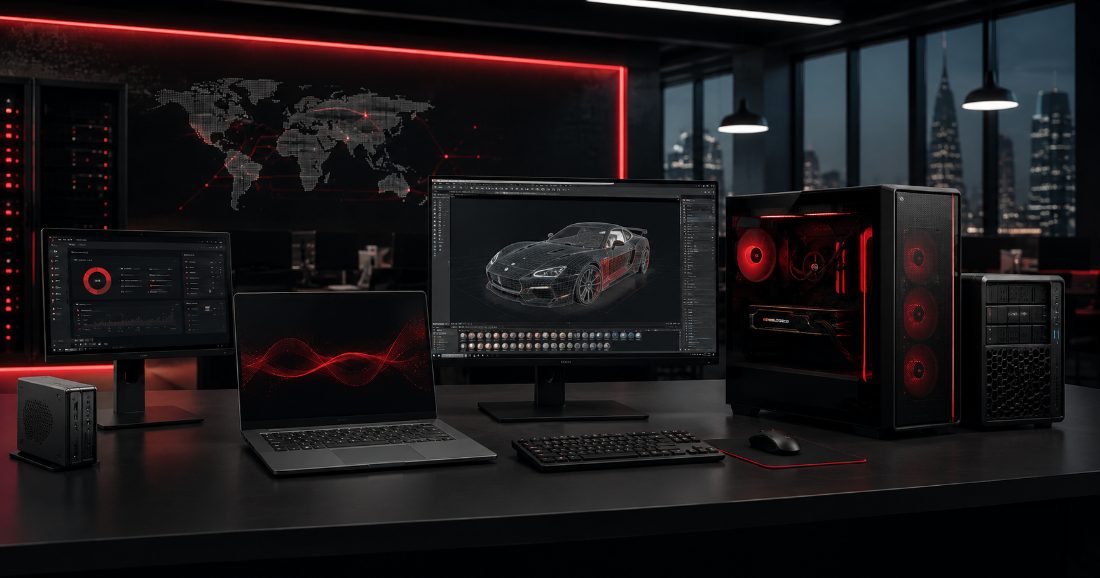
What a gaming PC is actually optimised for
A gaming build is tuned around frame rate: a GPU sized to the games and resolution you're targeting, fast single-core/high-clock CPU performance (most games still lean on a handful of fast cores more than dozens of slower ones), and cooling built for sustained load during long sessions rather than short bursts.
What a workstation is actually optimised for
A workstation is tuned around sustained, multi-core throughput: video export, 3D rendering, CAD simulation and large-file processing all benefit from more cores working in parallel over long stretches, not just clock speed in short bursts. Workstations also often carry ECC memory (which catches and corrects memory errors — worth having when a multi-hour render can't afford to silently corrupt), larger and faster storage for big project files, and colour-accurate displays for design and video work where what you see has to be what you get.
Where the two genuinely overlap
3D artists who also need real-time viewport performance, or streamers encoding video while gaming, sit in a genuine middle ground — a build that needs both strong single-thread gaming performance and enough multi-core headroom for encoding or rendering at the same time. This is a real, specific configuration, not just "buy the most expensive of everything."
The honest way to decide
Name the actual software and workload first — the specific games at the specific resolution, or the specific editing/CAD/3D software and typical project size — and size the build against that, not against a generic "gaming" or "workstation" label. A gamer who occasionally batch-exports photos doesn't need a full workstation; a video editor who never games doesn't need flagship gaming-tier GPU clock speeds they'll never use.
Where this fits
We build both — custom gaming PCs sized to a target frame rate and budget, and design workstations configured around the specific software you run — and we'll tell you honestly which one (or which hybrid configuration) your actual workload needs, rather than upselling whichever build has the bigger margin.
If you're not sure which one fits your use case, describe what you actually do with the machine and we'll size it against that.