5 questions to ask before your next server refresh
Server hardware doesn't announce when it's due for replacement — it just gets slower, more expensive to keep running, and quietly riskier to depend on. Here are the five questions worth answering honestly before that refresh becomes a rushed, reactive purchase.
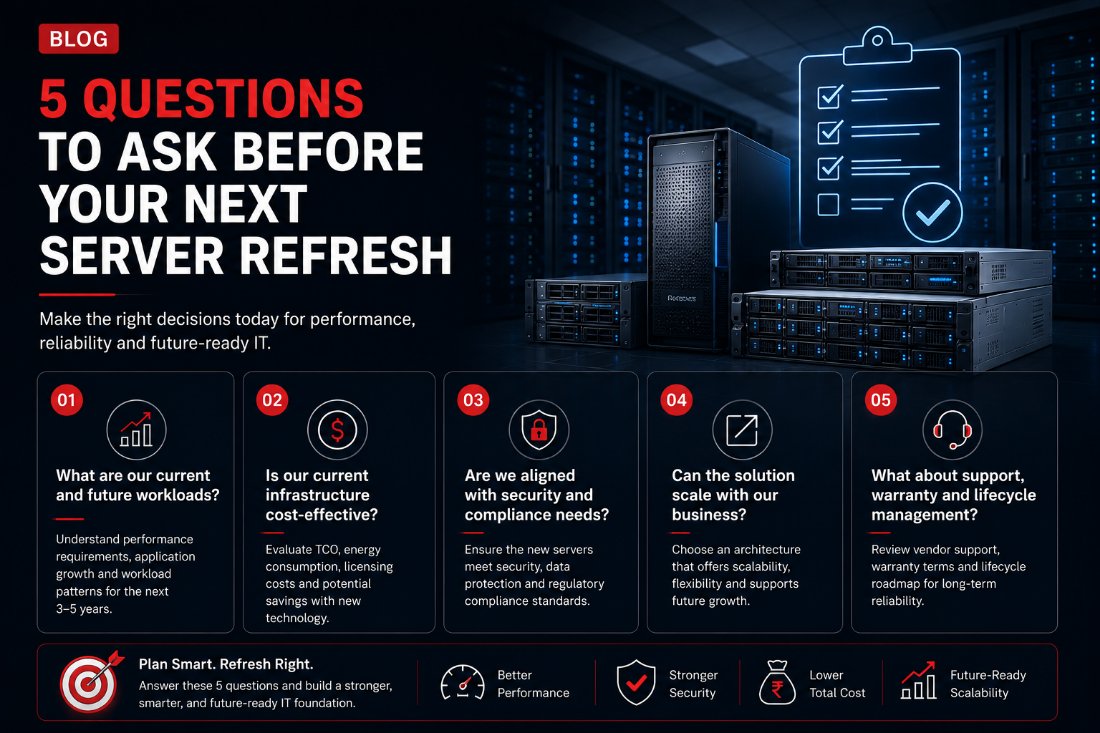
1. What are our current and future workloads, really?
A refresh sized against today's workload is already behind by the time it's racked. The useful exercise is mapping what's actually running now — application servers, databases, file and print, virtualization hosts, backup targets — against where headcount, application load and data volumes are headed over the server's working life, typically the next 3 to 5 years. Undersizing forces an unplanned upgrade cycle; oversizing is paying for idle capacity from day one. Neither is cheap, and the honest answer usually needs input from whoever owns the applications, not just whoever owns the infrastructure budget.
2. Is our current infrastructure still cost-effective to run?
Ageing servers cost more than their purchase price suggests: higher power draw per unit of compute, more cooling load, extended-warranty and out-of-contract support pricing that climbs steeply past year three, and the staff time spent nursing hardware that's past its efficient life. Comparing total cost of ownership — power, cooling, support and staff time — against the cost of newer, more power-efficient hardware is usually the calculation that turns "the current servers still work" into an actual refresh decision, rather than a postponed one.
3. Does the refresh close, or open, a compliance gap?
Server hardware and the OS/hypervisor stack on it have a support lifecline, and running past end-of-support means no more security patches for known vulnerabilities — a real exposure on anything handling customer, financial or government data. A refresh is the natural point to check the new platform against current data-protection, sector-specific and — where relevant — government security requirements, rather than replicating whatever configuration happened to be in place on the outgoing hardware.
4. Can it scale with the business, not just today's headcount?
The architecture decision matters as much as the sizing: rack, tower or blade, how much of the workload is virtualized, and whether storage is scoped as direct-attached, NAS or SAN. The right choice depends on how the business is actually likely to grow — a new branch office, a jump in data volumes from added CCTV or IoT endpoints, a move to more compute-heavy applications — not just a straight-line projection of current usage. Headroom bought at refresh time is far cheaper than a forced mid-cycle upgrade.
5. What happens after year one — support, warranty and lifecycle?
The purchase decision is also a multi-year support decision. Worth checking before signing: whether warranty terms overlap cleanly with the outgoing hardware's retirement so there's no coverage gap, what the vendor's onsite response SLA actually is versus what's assumed, and what the documented lifecycle roadmap looks like — so the next refresh conversation happens on a plan, not a surprise failure.
Where this fits into a refresh
We size and quote server and storage refreshes against the workload and growth conversation above, not a generic spec sheet — rack, tower and blade servers and NAS/SAN storage from Dell, HP, Lenovo and Samsung, pre-configured or fully customised to the capacity and performance the workload actually needs, with warranty and support terms mapped against the outgoing hardware's retirement date so there's no coverage gap.
If a server refresh is coming up and you'd like a second opinion on sizing, TCO or warranty overlap before the PO is signed, that's a conversation we're set up to have.